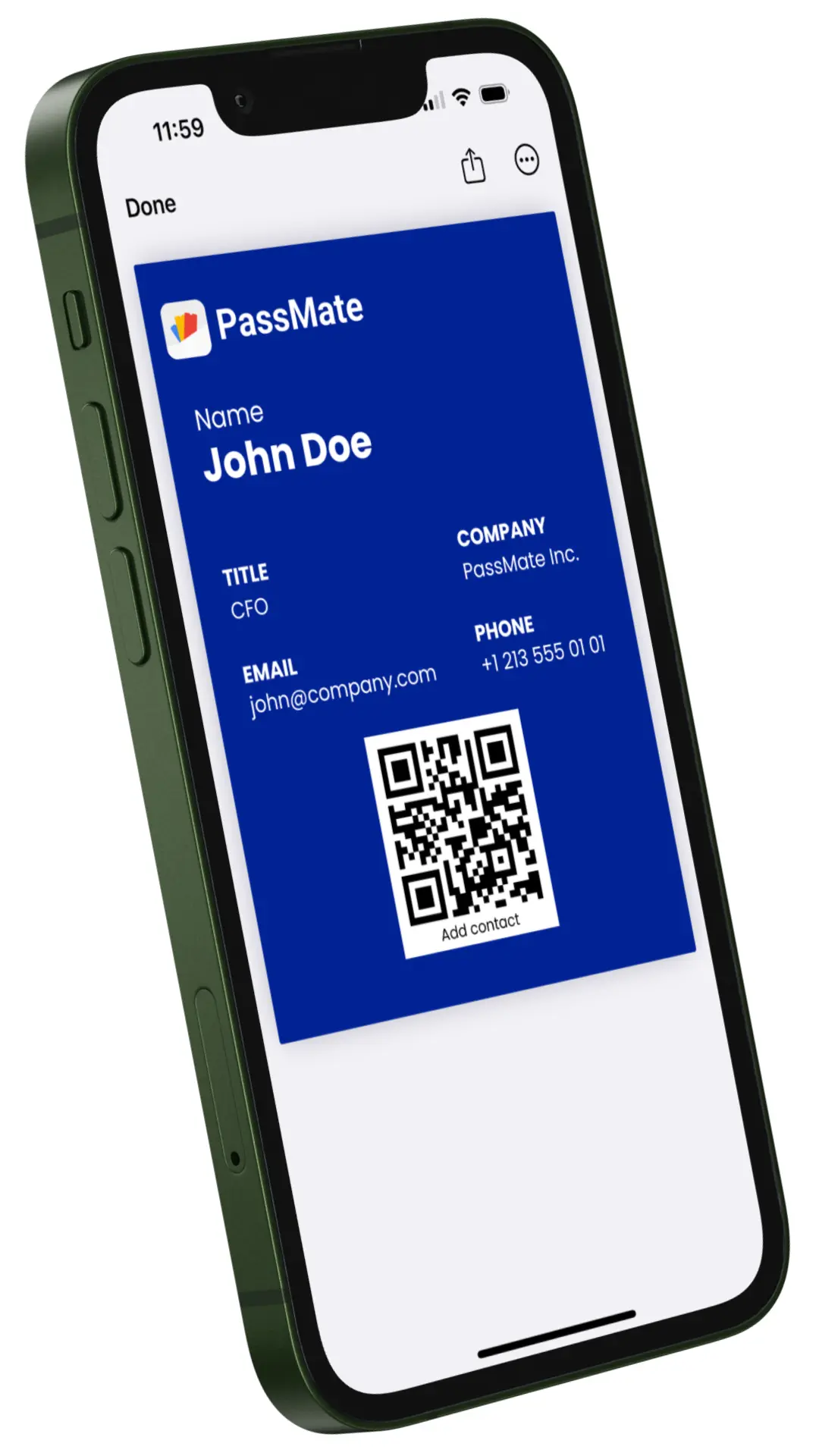
Create your digital
business card in seconds
Step 1 of 9
Let's start with your basics
Share your name and email to set up your business card.
Step 2 of 9
How can people reach you?
Add your phone number so others can contact you easily.
Step 3 of 9
What is your job title?
Tell us your job title
Step 4 of 9
Add your logo
Upload your company logo to personalise your card.
Apple Wallet: 160×50px display. Recommended 480×150 or larger for sharp retina display. PNG (transparent) or JPEG. Max 1 MB.
Drag & drop your logo here or
Step 5 of 9
Customize your card
Use your brand colors and logo for a consistent look.
Background Color
Text Color
Label / Icon Color
Step 7 of 9
Add Your Card to Wallet
Store your business card in Apple Wallet or Google Wallet and share it anytime, anywhere.